Originally Published as: When Is It Time To Track Inventory? Your Inventory is One of Your Greatest Assets, How You Track it Matters
Do you know what’s on your shelves right now? If your accountant asked for a firm inventory count today, could you hand over numbers you actually trust — without sending someone out to the warehouse to count by hand? Could you say yes to a big job with confidence, knowing you can fill it, instead of hoping the materials are back there somewhere?
For a lot of building material dealers and construction businesses, the honest answer is “sort of.” QuickBooks got the business off the ground, and a legal pad or a spreadsheet has covered inventory well enough for years. But there’s a point where “well enough” starts costing real money — in overordered stock sitting in the yard, in jobs delayed because nobody realized a critical item was gone, in hours burned every quarter just counting.

That’s the point where it’s time to look at a real inventory system — and, often, a business’s first Enterprise Resource Planning (ERP) software.
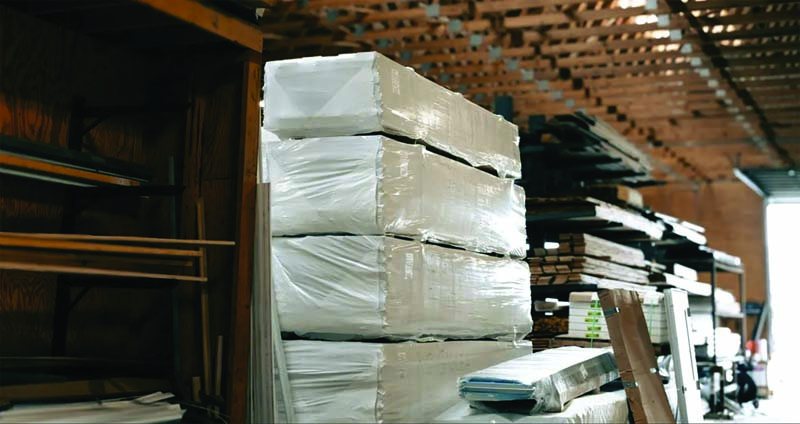
Periodic vs. Perpetual: The Two Ways to Track Inventory
Most businesses start out doing periodic inventory: at set intervals — monthly, quarterly, once a year — someone walks the shelves and the yard and counts everything by hand, then reconciles it against the last count. It’s simple, it uses tools the business already has, and it doesn’t cost much to set up.
The trouble is that periodic counts are only accurate on the day they’re taken. The moment a crew loads out material for a job or a customer buys the last unit off the shelf, the count is already stale. And because it depends entirely on people counting carefully, it’s an easy place for human error to creep in.
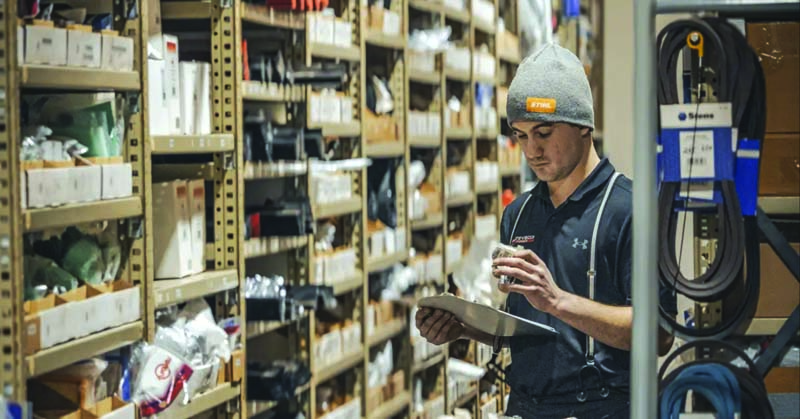
Perpetual inventory works differently. Instead of counting on a schedule, the system updates automatically every time something is sold, pulled for a job, or received — usually through an ERP tied to barcodes or scanners. Order a truckload of material and unload it, and the system logs it. A crew pulls stock for a job, and the count adjusts in real time. There’s no guessing and, ideally, no trip to the back of the shop to answer a simple question.
The advantages compound from there. Owners and managers can see exactly what’s on hand and what it’s worth at any moment — critical for a business where too much material tied up on the shelf is cash that isn’t working, and too little means missing a completion date. Real decisions about purchasing, pricing, and job scheduling get made using current data instead of a hunch. Employees stop losing days to counting and get back to work that actually grows the business. And because the data accumulates over time, seasonal swings and slow-moving stock start to show up clearly instead of getting discovered the hard way.
Perpetual inventory isn’t entirely hands-off — items that slip out without being scanned can still throw a count off, so occasional physical checks still matter. The difference is that those checks can happen cyclically, whenever there’s downtime, rather than shutting down operations for an all-hands count.
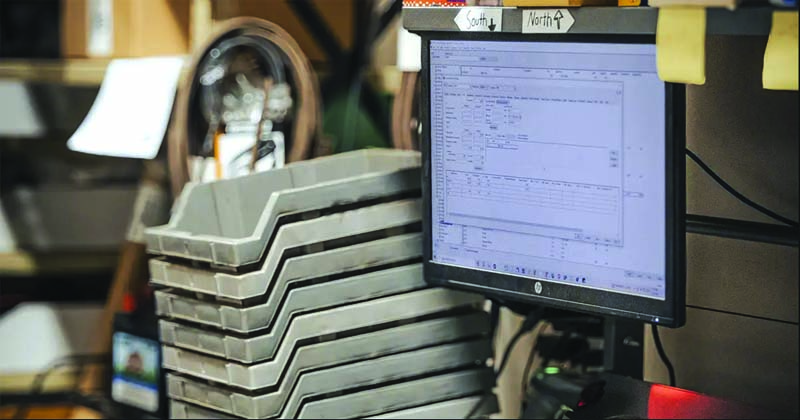
What This Looks Like on the Ground
Picture a building materials dealer that stocks lumber, hardware, doors, and fixtures for sale, plus a backstock in the warehouse. Every time an item comes off the shelf and gets sold, the inventory system updates automatically. When a customer or builder calls asking whether a specific item is in stock, the counter staff can answer immediately and point to exactly where it sits — no trip to check.
Not everything needs that level of tracking, though. That same dealer likely sells small hardware — screws, bolts, washers, and similar fasteners — out of bins by the pound or the box. Scanning every individual piece in and out would eat far more staff time than it would ever save. For high-volume, low-cost items like that, a periodic count of the bins is simply more cost-efficient. The rule of thumb: when the cost of tracking something perpetually outweighs what it saves, periodic counting is still the right call. Don’t spend a dollar to save a nickel.
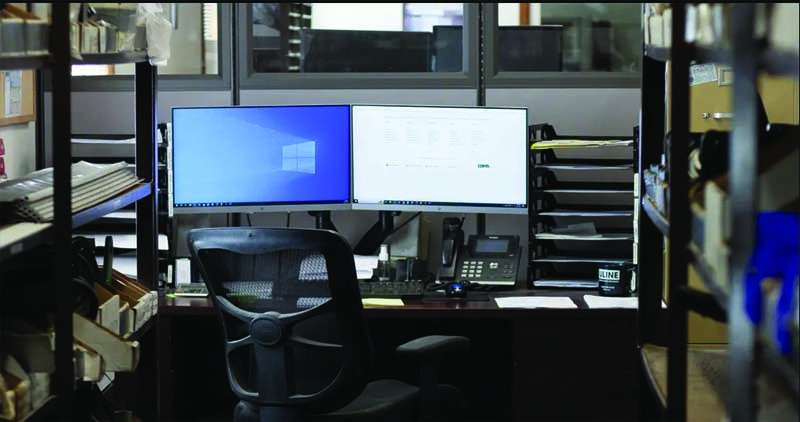
Do You Need an ERP to Run Perpetual Inventory?
In most cases, yes. Perpetual inventory depends on a system that ties sales, purchasing, and stock levels together in real time, and that’s exactly what an ERP is built to do — bring the information from every part of the business into one place where it can be tracked, reported on, and acted on.
According to Koble Systems, an ERP company that has served customers since 1989 — with roughly 70% of its customer base in Anabaptist communities — most of the businesses it works with are ready to make the jump from QuickBooks to their first ERP once they’ve outgrown what a general accounting package and manual counts can support. That’s often the same moment a business realizes its inventory tracking has stopped keeping up with its growth.
The Takeaway
Perpetual inventory won’t eliminate every inventory headache. Still, it replaces guesswork with real numbers — numbers an accountant can trust, a purchasing manager can plan around, and a sales team can quote from with confidence. For a growing building materials business, the question usually isn’t whether to eventually make the switch. It’s recognizing the point where the switch has already become overdue.
SOURCES & RESOURCES
- Koble Systems – koblesystems.com